
Suspicious QR: verify the destination before sharing your data
Review a QR on a sign or parking meter, verify its destination independently and use WikiURL without confusing a response with safety.
The sign looks official, but that is not enough
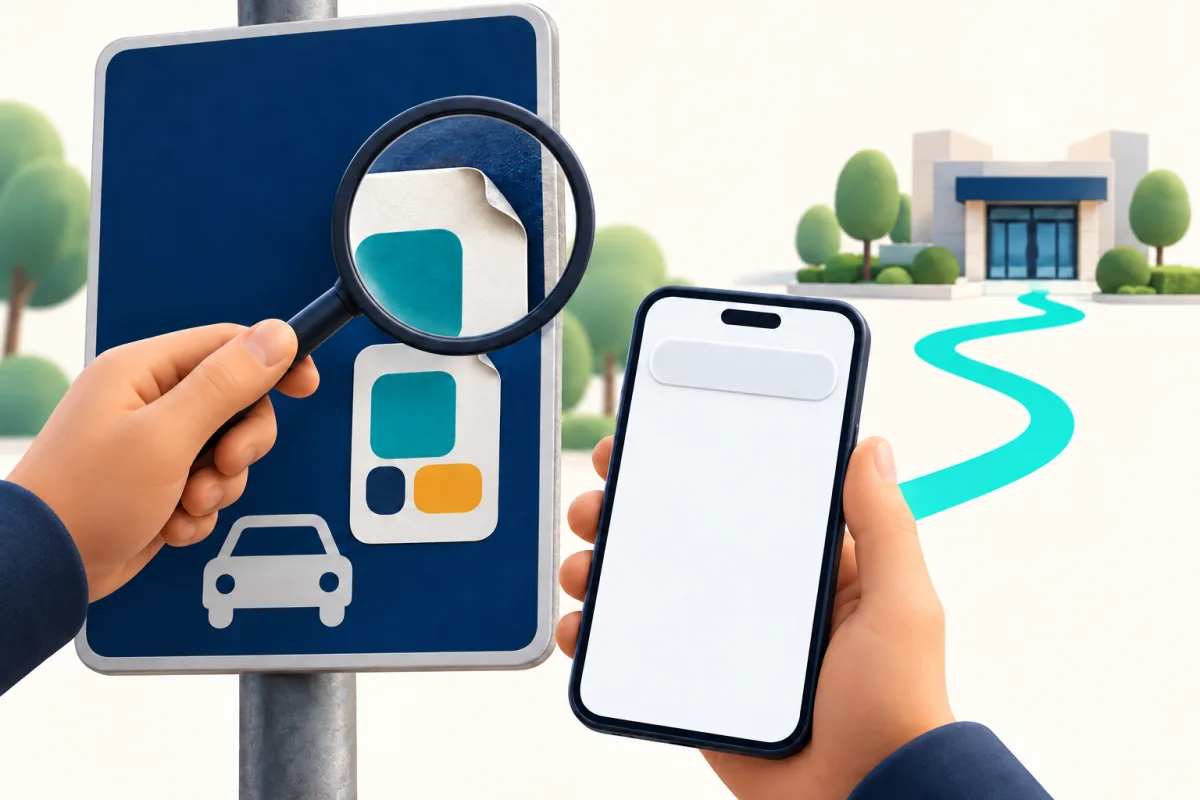
Imagine arriving at a car park and finding a QR for payment. The page your phone proposes opening displays a familiar logo and a convincing form. Stop before entering information: the appearance of the sign and website does not prove the destination belongs to the operator. The FTC documents cases of codes covered by stickers bearing another QR and explains they may lead to impersonation pages. You do not need to attribute an incident to a particular city to apply the check.
This guide separates three reviews: the physical display, the address shown when scanning and the destination’s relationship with the organisation you expect. WikiURL can provide information about a public URL’s response and final destination. That information does not identify who owns a sticker or guarantee a page is legitimate. If you already suspect a link, you do not need to visit it to pay: stop and access the service independently.
Read the complete address, not just a familiar name
If your reader can show the URL before opening it, use that preview. Look for changed letters and a domain different from the expected one. MDN explains that phishing can imitate a familiar website on a similar domain. In the fictional examples, the second hostname is not the first, despite beginning with the same words. These addresses are invented to illustrate their structure; do not open them or use them as real payment services.
Compare with an official address obtained separately, such as a bookmark you already used or an independently confirmed operator website. Do not treat parking, secure or payment as proof of identity. If the preview cuts off the domain, do not guess the rest. Do not decide solely by its ending either: a familiar-looking domain can host an impersonation site. Verify a match with the expected service rather than rewarding a convincing name.
https://parking.example.invalid/pago
https://parking.example.invalid.otro.invalid/pago
Inspect the display and look for a known alternative
Look for a sticker covering another print or raised edges. This is a reason to pause and ask, rather than conclusive proof by itself: legitimate operators may also use labels. If something does not fit, ask staff to confirm the procedure or access the service through an application or address you have already verified. Do not rely solely on a phone number printed on the same suspicious sticker.
The FTC advises contacting a company through a number or website you know is real when receiving an unexpected request. Apply that principle to the sign: you need a second route independent of the questioned object. At a car park, ask the operator how to register parking correctly. This guide does not claim every QR is fraudulent or that opening an unknown application solves the problem. The alternative must also belong to the authentic service.
What WikiURL can check and what it cannot
If you have a public URL without private data, copy it into WikiURL’s URL checker and review the HTTP status and final destination. A domain change may justify further questions for the operator. Keep the observed address to compare with your independent reference. Do not enter passwords, private management links, access tokens or information about a personal transaction into a public check.
A 200 response describes a successful request, rather than a certificate of honesty. A fraudulent page can respond too. The request also comes from WikiURL’s server and behaviour may differ from your phone. The checker does not decide whether you should pay, verify who printed the QR or replace fraud or malware analysis. If the URL raises doubts, prioritise the independent route; the technical review is limited assistance rather than permission to continue.
HTTPS and verification codes do not establish identity
HTTPS protects the connection against certain attacks in transit, as MDN explains, but does not automatically make a website the operator you seek. An imitation page can have an encrypted connection. Review the address and procedure even when the browser shows a protected connection. A logo, professional appearance and absence of an HTTP error do not complete that verification either.
Do not provide passwords or one-time codes to a page whose identity you have not confirmed. MDN describes attacks relaying those codes, so requesting a second factor does not establish legitimacy. If a QR asks you to install something or act with unexpected urgency, stop and confirm through the known channel. Keep your phone updated, as the FTC recommends, without treating updates as a guarantee against deception.
If you already interacted, use the authentic channel
Distinguish what happened: seeing an address is different from entering a password, supplying a card or installing a file. If you shared credentials, access the account through its known address to change them and review security options. If you supplied payment information, contact your provider through its official channel to explain what happened. Do not return to the questionable page for help or accept another unexpected request promising to fix matters.
Save the URL, date and a photograph of the sign when possible, without sharing sensitive information or circulating the QR as an invitation to use it. Notify the operator and seek official help appropriate to your country; INCIBE provides phishing information. Do not promise recovery of money or declare a device safe from a link check. The practical criterion is clear: confirm independently before supplying data, and preserve useful evidence if interaction has already occurred.