
How to share links without personal data in the URL
Check the data in your URL before sharing, retain necessary parameters and build UTM campaigns with general labels using WikiURL.
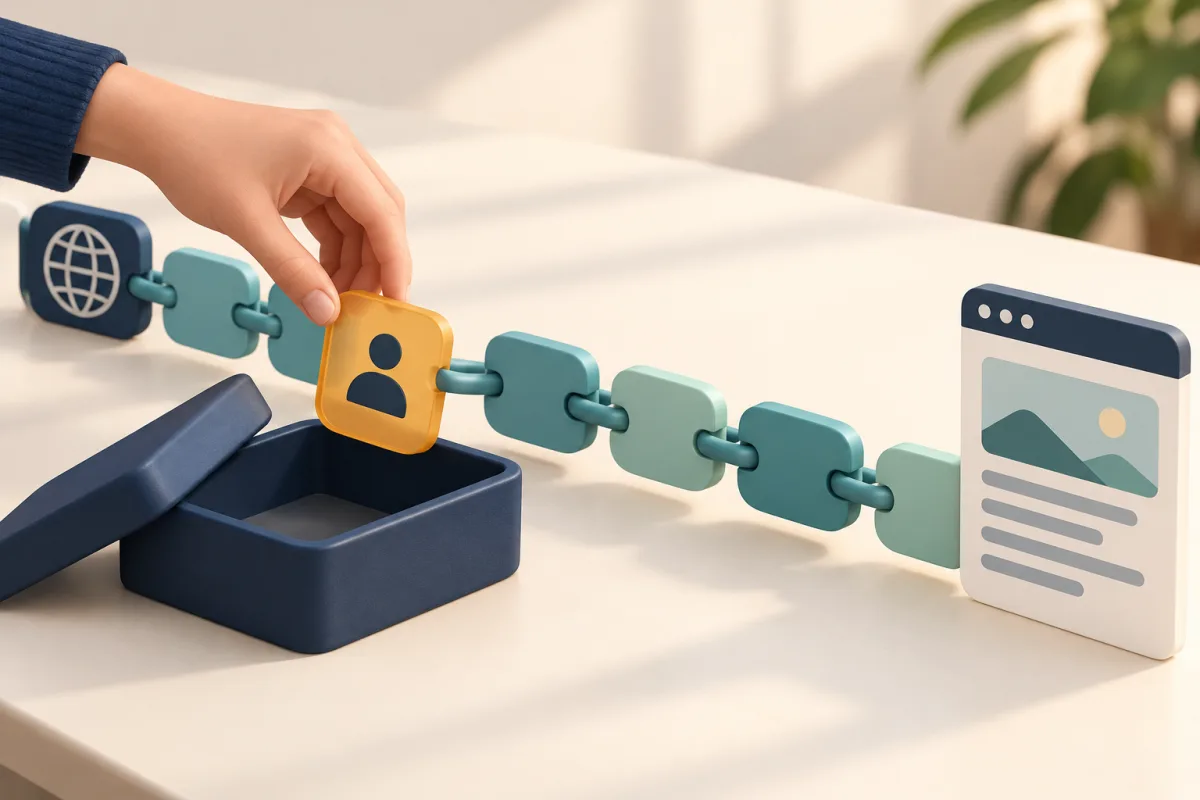
Review the contents before copying the link
You want to send a workshop catalogue to a mailing list. You copy the address of a page opened from an email and notice an email field containing your address. A public page does not automatically make its copied URL suitable for circulation. Before creating a campaign, QR or short link, separate the public destination from data added during your own visit.
Two recurring questions motivate this guide: whether HTTPS adequately protects data within an address, and whether everything after the question mark can be deleted. The practical answer requires considering each part’s purpose. We will prepare a catalogue link with a necessary product identifier and personal information that is unnecessary in this example. This is not a way to turn any private address into a public one or guarantee anonymity.
HTTPS protects transport but does not erase the contents
OWASP warns that sensitive information in URL parameters can be exposed even over HTTPS. The address may remain in browser history or server logs; anyone receiving a copy can also read it. Encryption in transit does not remove those copies. Do not confuse a complicated-looking address with a confidential one either. A value containing %40 can represent an at sign: character encoding is not data encryption.
Information sent as Referer depends on the applied policy and context. MDN documents that the default strict-origin-when-cross-origin policy normally limits cross-origin referrer information to the origin, while same-origin requests can include the path and query. We therefore do not claim that every link reveals its query to every website. Nevertheless, that policy does not protect a URL you paste directly into a message or tool.
Keep what opens the correct content
In the fictional example, producto=42 selects the catalogue item, while email identifies a person. The second link retains the selection and removes that information. example.invalid is not an operational test website: replace the domain with your real destination only after understanding its behaviour. Do not paste a confidential address into an external service to discover its contents; review it within your own environment first.
Do not follow a rule of deleting everything from the question mark onward: you might lose the product, a search or the language. Check the site’s Share option and documentation for a public link intended for that purpose. If there are unfamiliar fields, a signature, a key or an access token, stop and ask the operator for an appropriate address. Removing a parameter can break a signature; retaining it might grant access you did not intend to share.
https://example.invalid/catalogo?producto=42&email=persona%40example.invalid
https://example.invalid/catalogo?producto=42
Build UTM labels describing the campaign
Once you have an appropriate public address, WikiURL’s UTM generator lets you enter it and add source, medium and campaign. For an autumn newsletter, use general labels such as boletin, email and otono. If distinguishing variants, choose values describing the creative rather than the recipient. Do not enter names, phone numbers, email addresses or credentials in these fields. Review the base URL too: clean labels do not fix personal data already present there.
Google Analytics states that paths and parameters must be free of personally identifiable information and explicitly mentions campaign dimensions. The example retains producto=42 and adds general labels. It does not assume WikiURL automatically detects or removes sensitive data. Nor does generating the address promise measurement: analytics must be configured on the destination page. A campaign name should explain the activity without becoming an individual record for each person.
https://example.invalid/catalogo?producto=42&utm_source=boletin&utm_medium=email&utm_campaign=otonoCheck the public link and what you will send
Open the prepared version and verify that it displays the correct product. When access should work without signing in, also test a separate session. Once you have established that the address is public and contains no secrets, you can use WikiURL’s Check URL tool to review the HTTP response and detected final destination. This technical check does not certify privacy, permissions or absence of personal information. Review parameters again after any redirect.
Copy the address from the final message your audience will receive and compare it with the approved version. If shortening it or turning it into a QR, review the destination first: these presentations do not remove information from the underlying URL. Check that you have not accidentally reused the original email link. Keep only the approved public version and an explanation of necessary parameters in your campaign record, avoiding actual credentials there.
If you already shared a secret, change access at its source
Correcting the message prevents new copies but does not withdraw copies people or systems already saved. If you distributed an access, recovery or private-download link, use the service’s options to revoke or regenerate it, or contact its operator. Do not repeatedly test someone else’s token or rely solely on removing it from a short link. The relevant control belongs to the service granting access.
For future publications, review the destination, necessary parameters, general labels and final copy before distribution. If something has no clear function, resolve it with the website operator rather than experimenting with private data in public tools. The intended result is a link opening the expected content without unnecessary personal information. This review reduces avoidable exposure; it does not make browsing or the campaign anonymous.