
Why your localhost link fails when you share it
Distinguish localhost, private addresses and a published website. Prepare a public destination and check it with WikiURL before sharing.
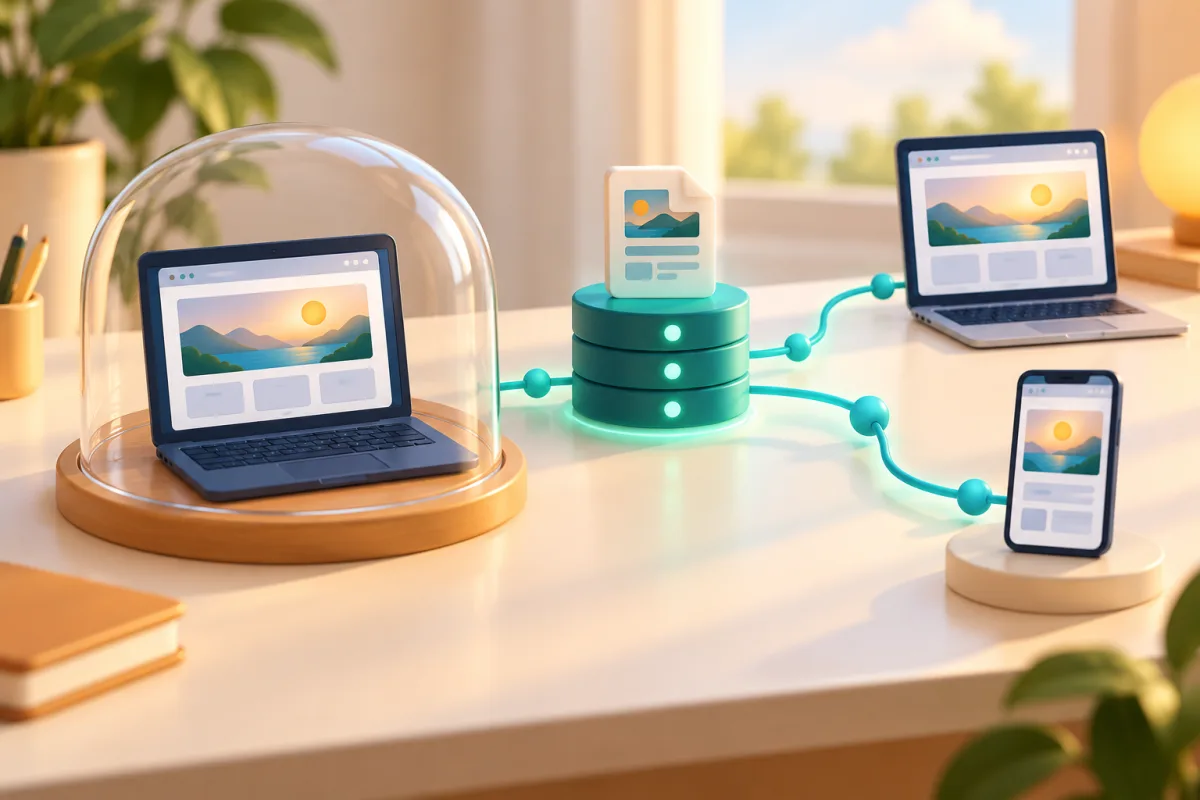
If it opens only on your computer, inspect the address sent
You prepare an event programme on your laptop. The preview works, so you copy its address to send to someone or make a QR. Your browser displays the programme, but your phone shows an error. Before changing the design or regenerating images, inspect the server name in the address: a local preview is not necessarily a page published on the Internet.
Real questions about opening localhost from a phone and from another network share a common issue: sending a text string does not make the server handling it reachable. This guide distinguishes three situations and proposes a workflow for distributing a public programme. It does not turn a development environment into hosting or assume the failure concerns account permissions. First check where the address actually points, before deciding which access problem needs solving.
Localhost points to the device making the request
The name localhost has a special use: RFC 6761 explains that it should resolve to a loopback address. In the usual case, the browser looks for the service on its own device. Your laptop’s localhost therefore does not identify that laptop to a phone. Opening the same address on the phone attempts to reach the phone’s local environment, where the programme you prepared probably does not exist.
The two examples show local destinations rather than public invitations. 127.0.0.1 is an IPv4 loopback address; port 3000 distinguishes a service, without changing the address’s scope. Copying the link, adding UTM, shortening it or drawing it in a QR does not change that meaning. Keep these addresses for local work, but do not treat them as the programme destination any attendee can use. No external testing tool is needed to recognise this problem.
http://localhost:3000/programa
http://127.0.0.1:3000/programa
A private address is not an Internet publication either
Replacing localhost with a local-network address can be part of an authorised device test, but does not equal publishing. RFC 1918 reserves private ranges, including 192.168.0.0/16. The example 192.168.1.25 might identify a computer within a particular network; it is not a universal destination for people on other networks. Even on the same Wi-Fi, the service and access rules must allow the connection. A copied address alone cannot establish that access.
For an internal test, agree the address and access conditions with whoever administers the environment. A corporate network or authorised remote access is a separate scenario, rather than a reason to publish internal information. For a public programme, request a suitable published address. Do not disable the firewall or open router ports as an improvised solution while preparing a poster. Checking a URL does not replace configuring and protecting the server that provides the content.
http://192.168.1.25:3000/programaObtain a published address for content intended to be public
Publishing means putting content on a web service reachable by the intended audience. MDN distinguishes working files from publication and explains the roles of hosting and a web address. If someone else manages your website, give them the approved programme and request its final URL. If publishing yourself, follow your hosting procedure, checking which content and configuration you make available to visitors. Keep the audience in mind when selecting the version to publish.
Replacing the text localhost with a domain is insufficient: the domain must lead to a service actually serving the page. The fictional example uses example.invalid, which is not a working test website. Replace it with the real URL only once publication exists. Keep the programme’s correct path and review images, styles and links. A published page still calling localhost resources may look complete on your computer while failing for other people who try to open it.
https://example.invalid/programaCheck the public destination with WikiURL and another context
Once you have a public URL without secrets, enter it in WikiURL’s Check URL tool. Review the HTTP response and detected final address if redirects occur. The tool states it does not accept private-network addresses: do not use it to explore your network or test local services. If a restriction or block appears, interpret the result within that check’s scope, rather than automatically concluding the site is unavailable to every visitor in every context.
Then open the published link on your phone and, where possible, through a different connection from the development computer. Confirm the programme content, images and navigation. A 200 response alone does not prove it is the expected page: it might be a homepage or sign-in screen. Technical checking and visual review answer different questions and should be considered separately. Also verify that no link within the page sends you back to a local address during navigation.
Build sharing materials from the approved version
Only then use the confirmed public address in your message, short link or WikiURL QR generator. Review the final version’s destination and test the QR in the material you will distribute. Do not accidentally reuse a file created with the preview. If the publication address changes, update copies you still control and record which version is approved, rather than assuming an older QR changed automatically. Check the actual sharing material before distributing it to your audience.
Save the public address and check results in the publication record, separately from development addresses. If the content must remain internal, preserve the agreed access and do not publish it merely to pass an external checker. The goal is matching the destination to the audience: local work for your device, internal access for appropriate people, and a published website when the programme needs to open from outside. Choose that destination before creating the final distribution materials.