

Link management
Your link returns 200, but the expected page is missing
A 200 status does not confirm the expected content remains. Document a possible soft 404 and choose a useful replacement with WikiURL.
A 200 status does not confirm the expected content remains. Document a possible soft 404 and choose a useful replacement with WikiURL.

A 405 does not prove a page has disappeared. Compare the HTTP method, record the response, and check the destination with WikiURL.
Resolve a relative path to a complete address, check its destination with WikiURL and test the received link before creating a short address or QR.
Understand mailto, offer a copyable address and contact page, and use WikiURL without confusing opening a draft with sending or delivering a message.
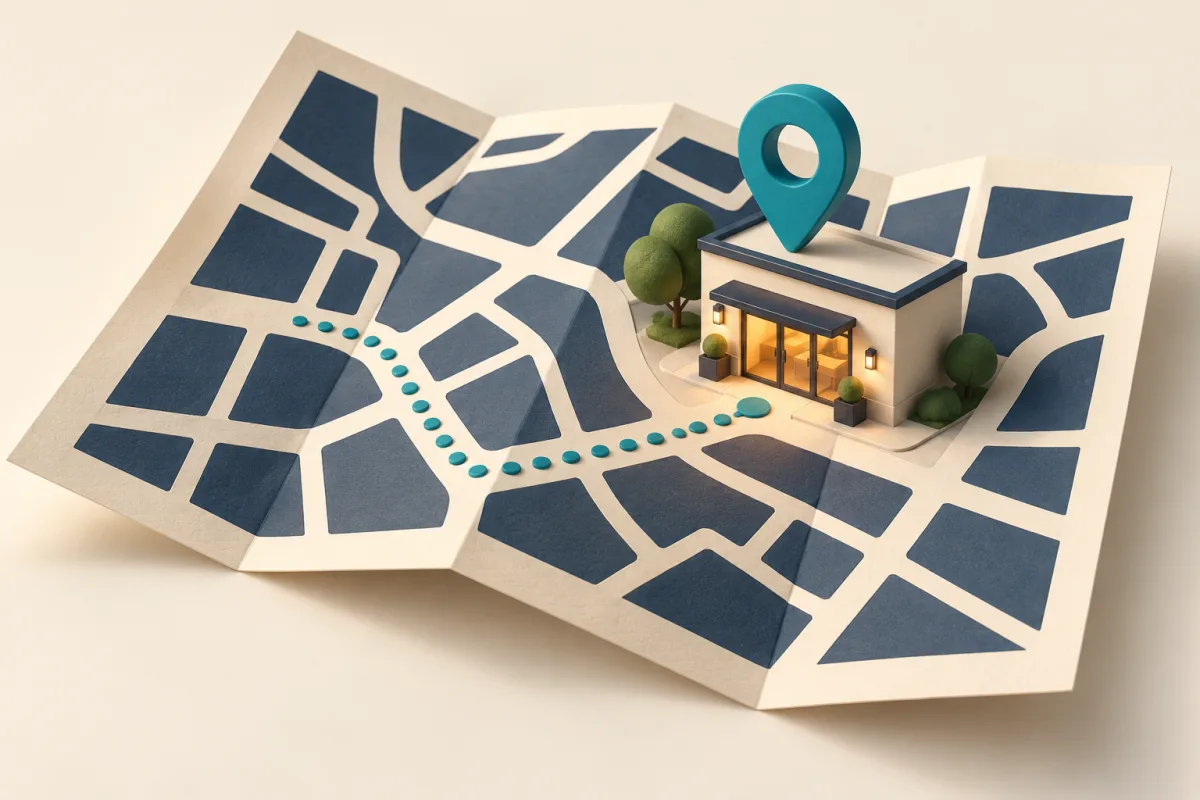
Prepare a clear location link, check the place and entrance, and test its short address or QR version with WikiURL before sending it to visitors.

Share a specific passage and test the link in its real channel. Use WikiURL to check the page without confusing an HTTP status with scrolling to text.

Many clicks but few registrations? Organize links with WikiURL and compare metrics without assuming every request represents a person or a sale.
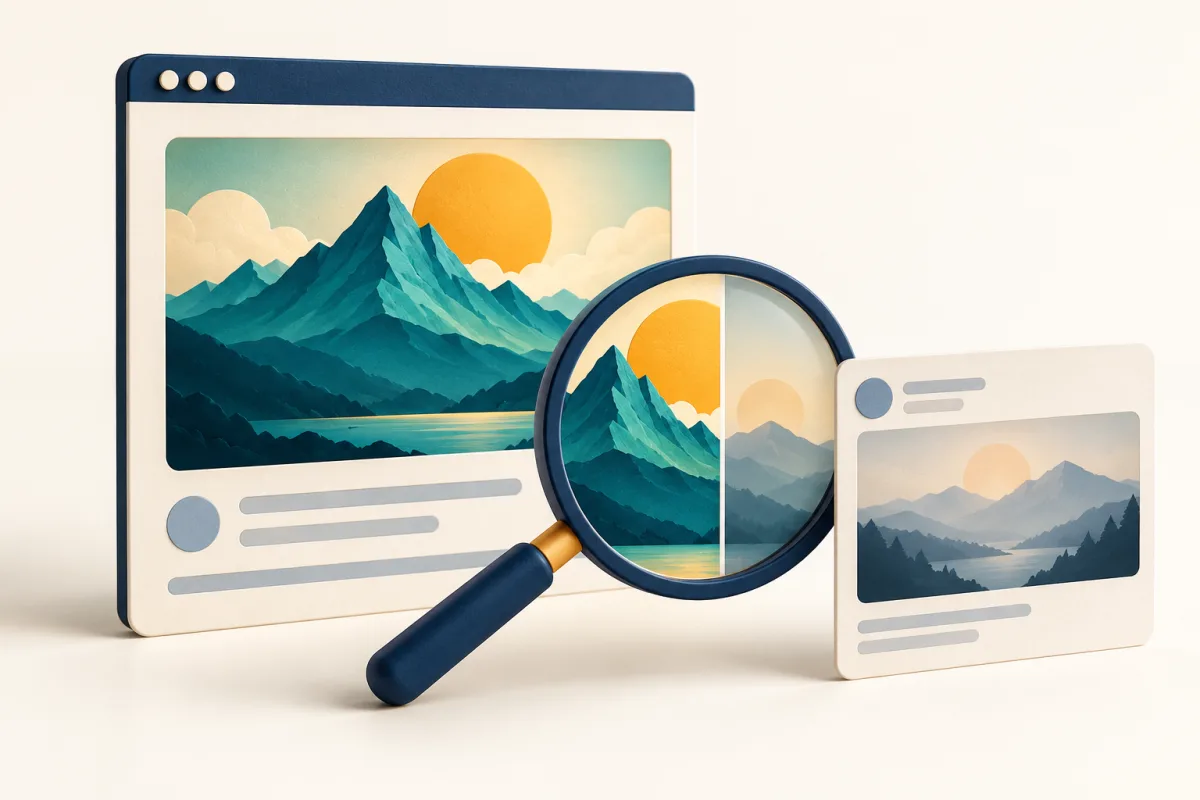
Check the page, its metadata and the image before sharing. Use WikiURL to inspect the destination without mistaking an HTTP response for a preview.
PHP fixed CVE-2026-109618 and CVE-2026-109619 on21October. Check releases, hosting and running services to verify remediation.
A429 does not prove your link disappeared. Learn to wait, compare a public check with the browser and report useful evidence to the maintainer.
Replace ambiguous links with names explaining their purpose. Check the public destination with WikiURL and review the message your reader receives.
Find HTTP references inside an HTTPS page. Check public destinations with WikiURL and fix mixed content without disabling browser protection.
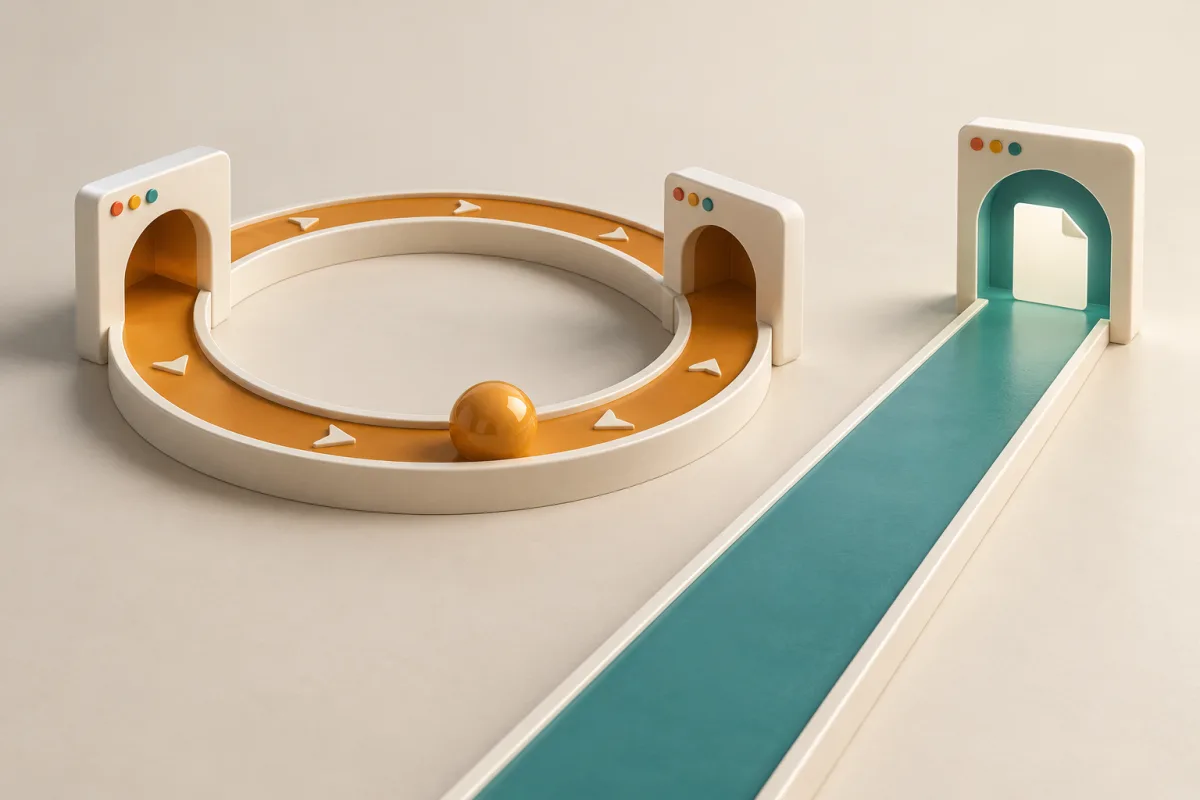
Investigate a link that never finishes opening. Compare public entries with WikiURL, recognize a loop and provide useful evidence to its maintainer.
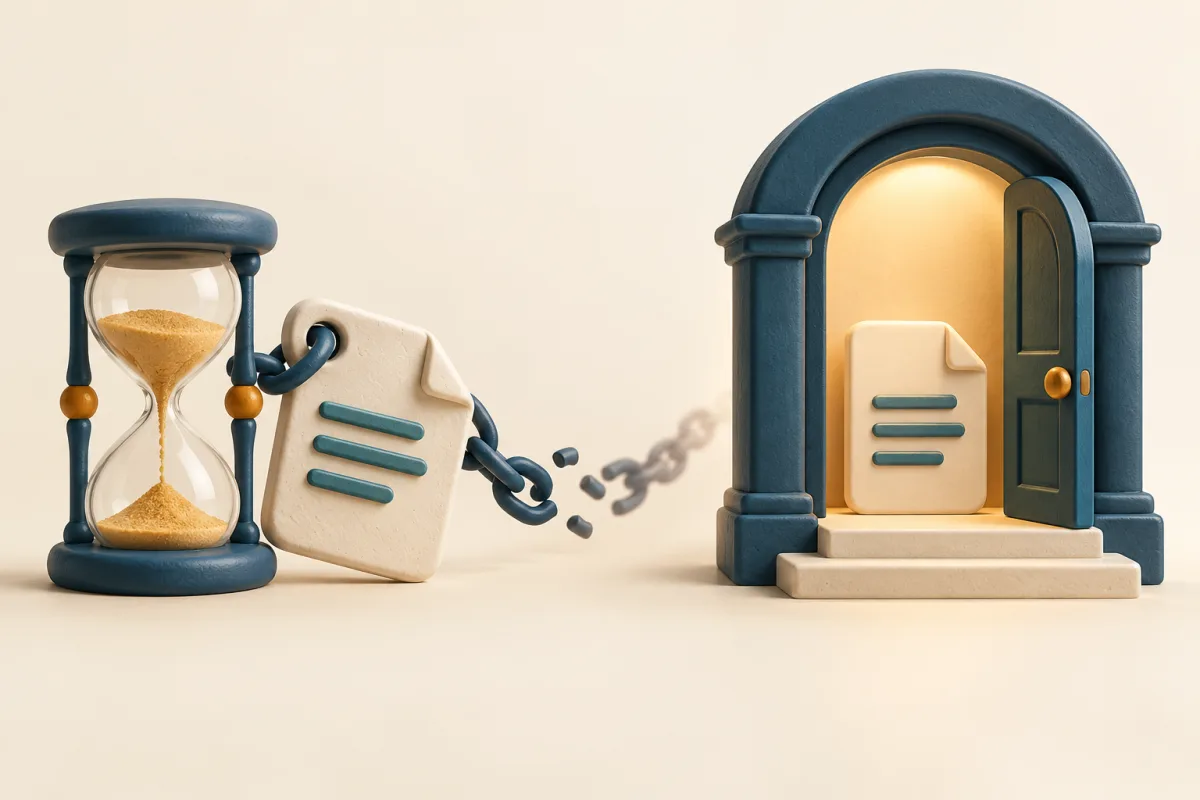
Avoid temporary download links in emails or posters. Identify expiry, choose a maintained access page and check the public destination with WikiURL.
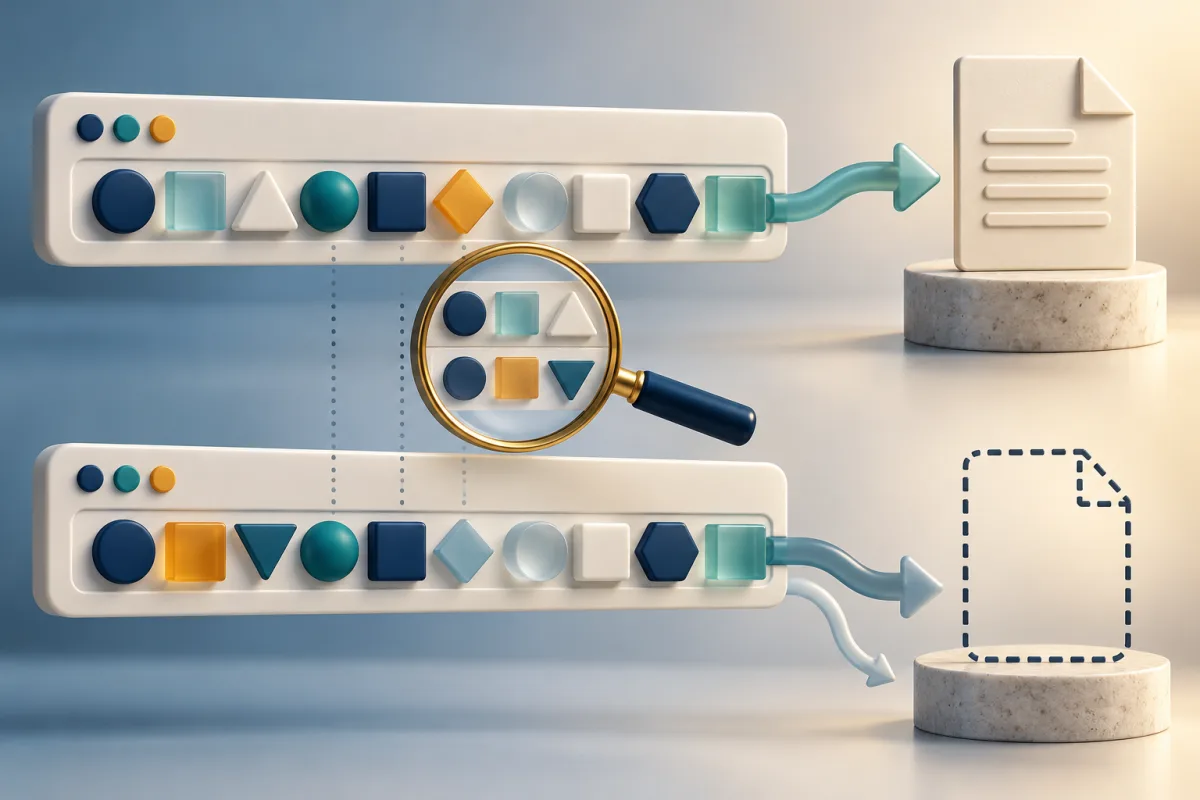
Distinguish the hostname from paths and parameters. Compare the actual destination with WikiURL and avoid breaking links by changing letter case.
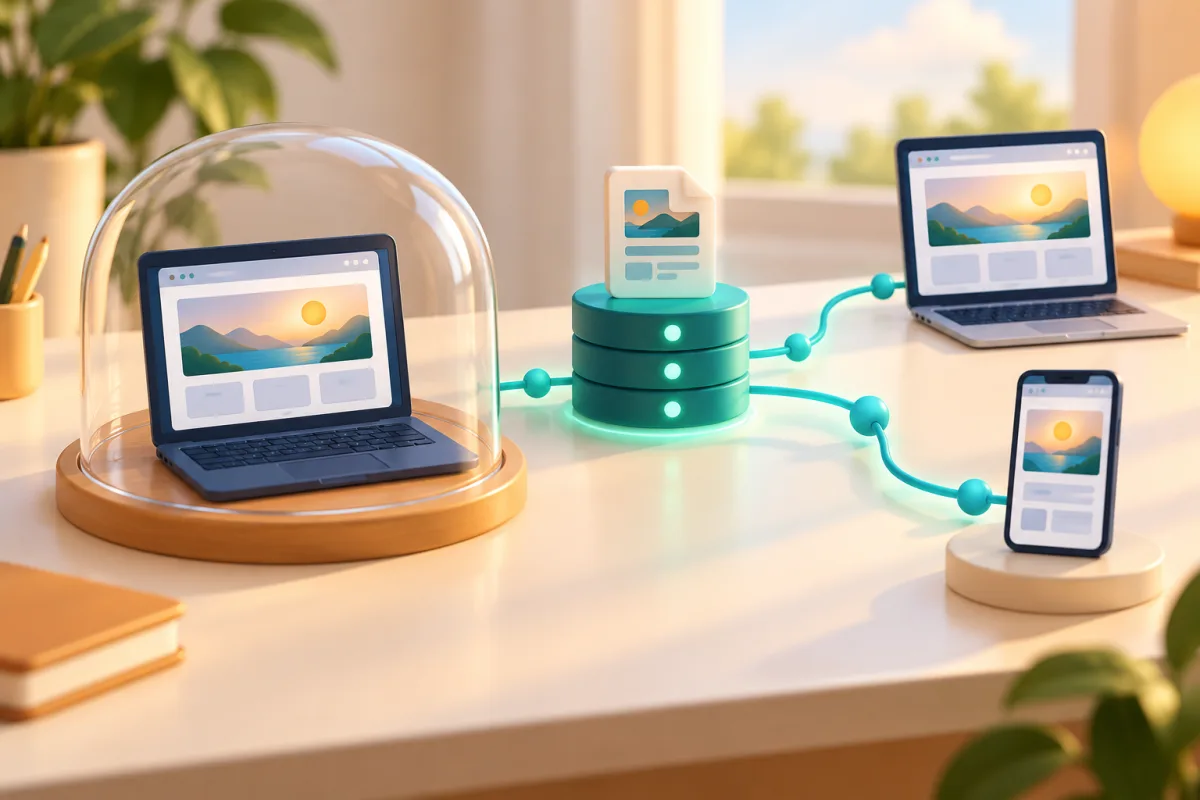
Distinguish localhost, private addresses and a published website. Prepare a public destination and check it with WikiURL before sharing.
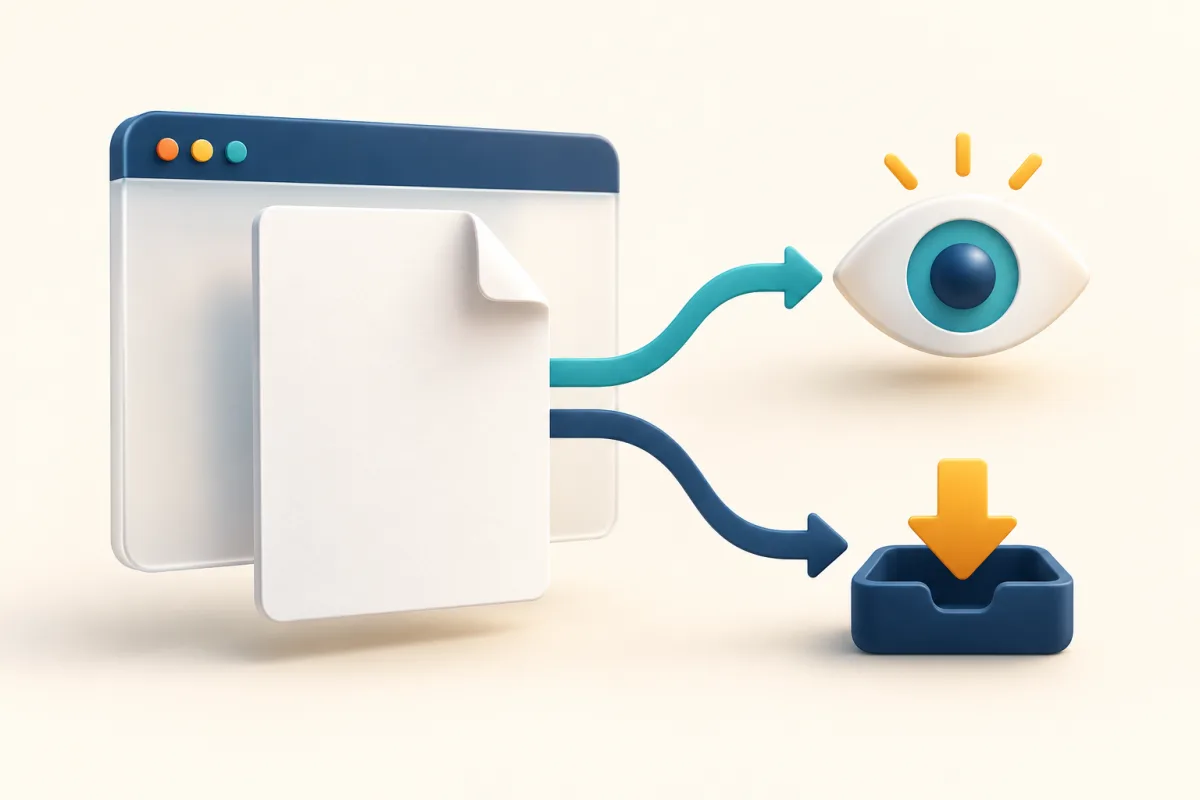
Check a PDF destination with WikiURL and distinguish server response headers from browser preferences before sharing your document link.
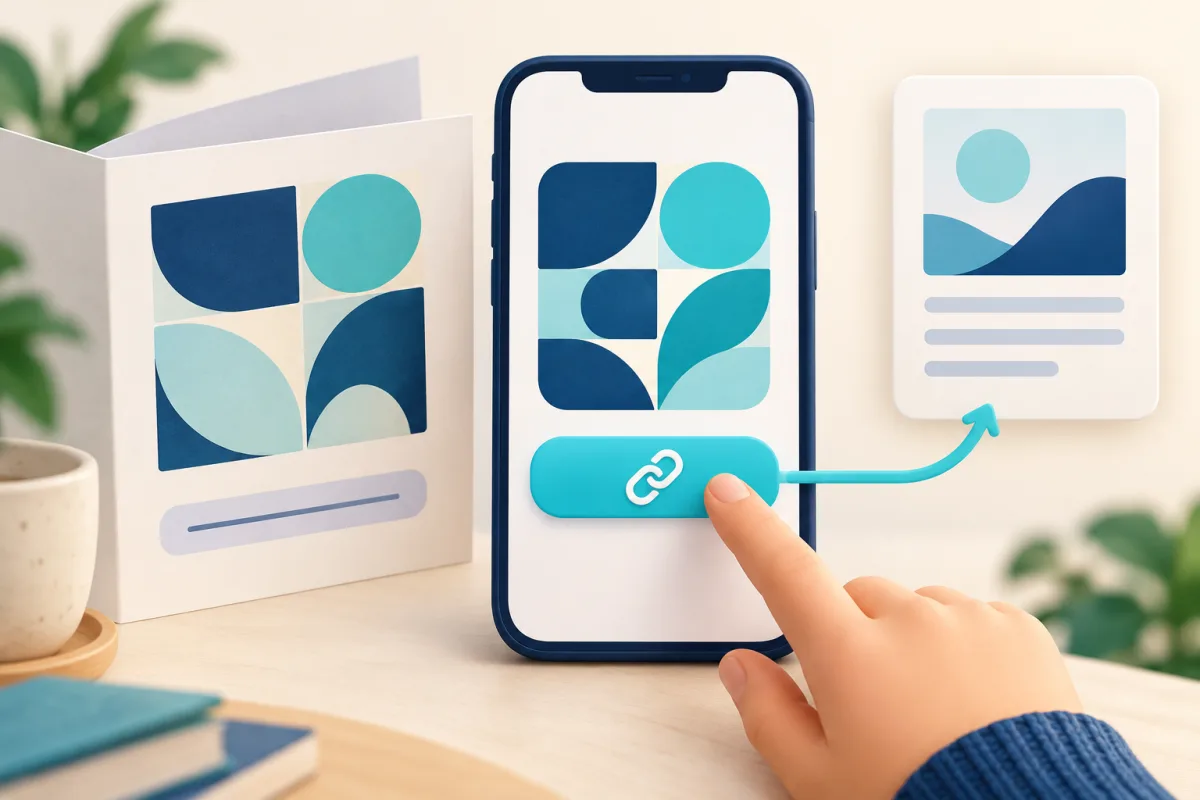
Give your website or digital brochure QR a clear link to the same destination; prepare both with WikiURL and test how they work.
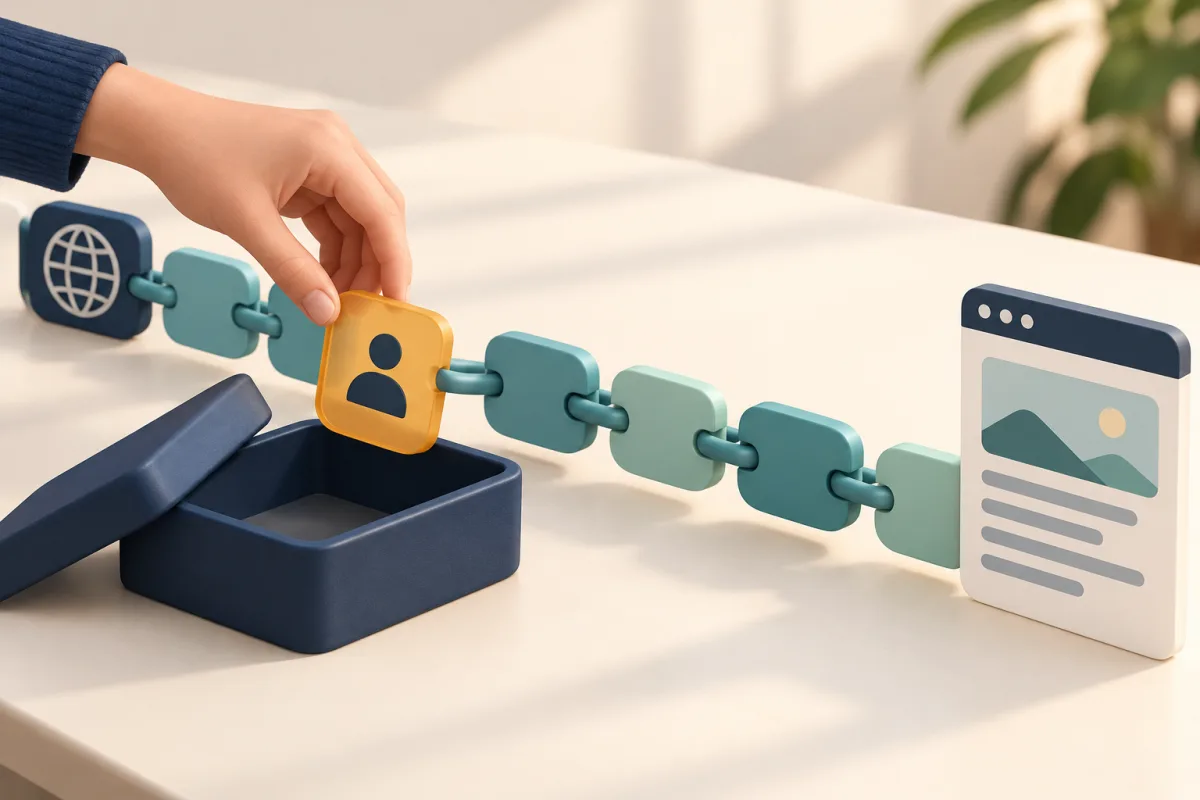
Check the data in your URL before sharing, retain necessary parameters and build UTM campaigns with general labels using WikiURL.
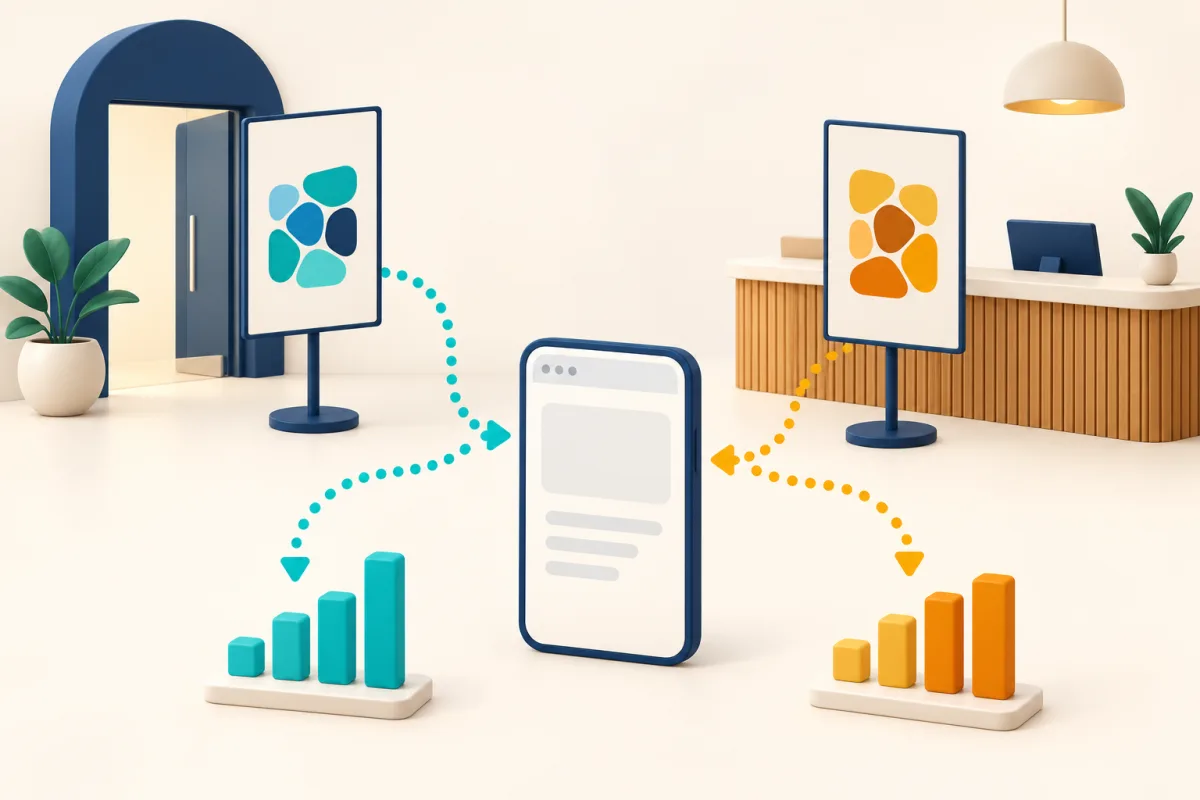
Distinguish visits from two posters using UTM tags and WikiURL; test each QR and understand what Google Analytics actually measures.
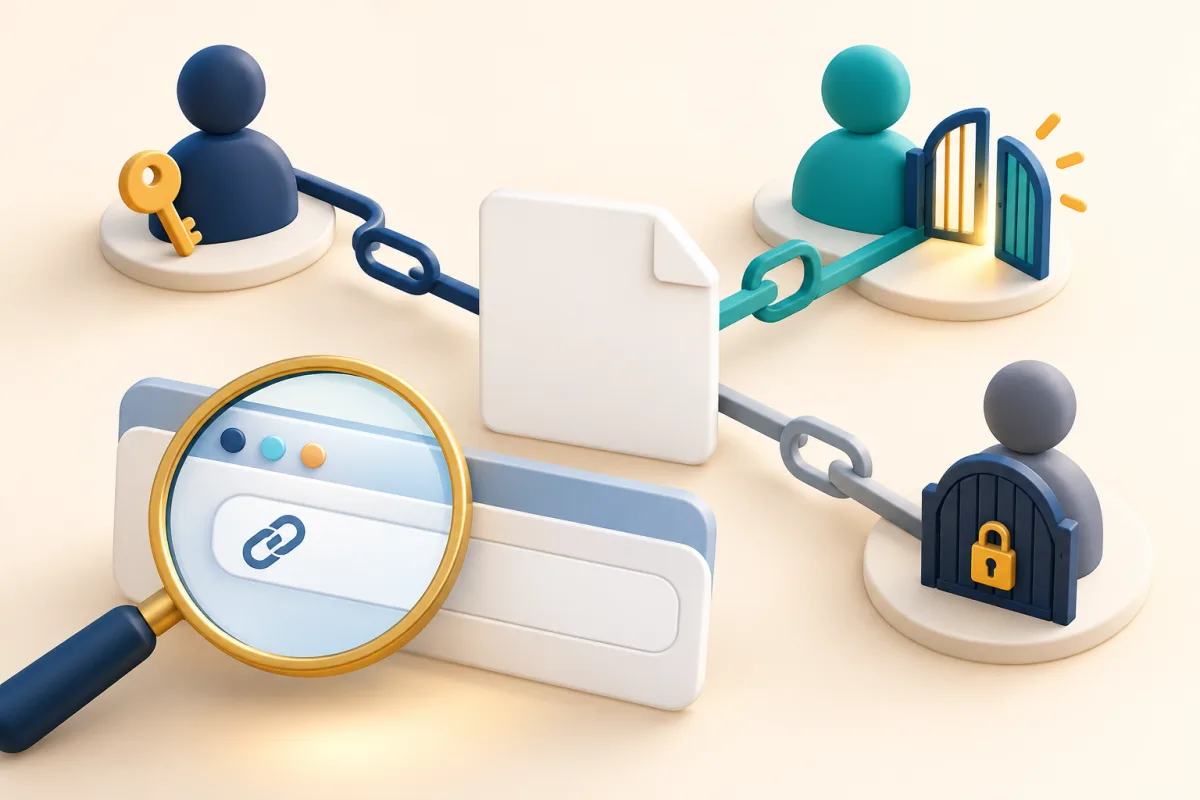
Test a link as owner, authorised reader and signed-out visitor; distinguish destination permissions from HTTP responses with WikiURL.
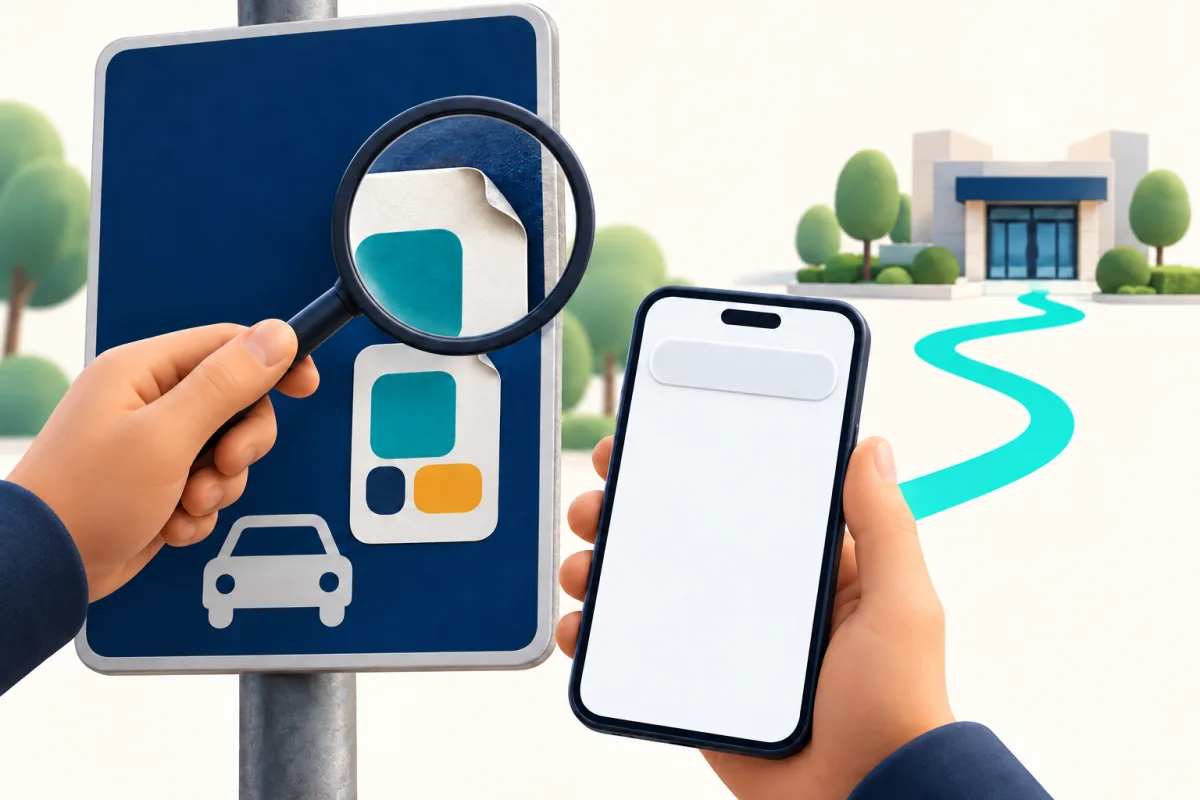
Review a QR on a sign or parking meter, verify its destination independently and use WikiURL without confusing a response with safety.
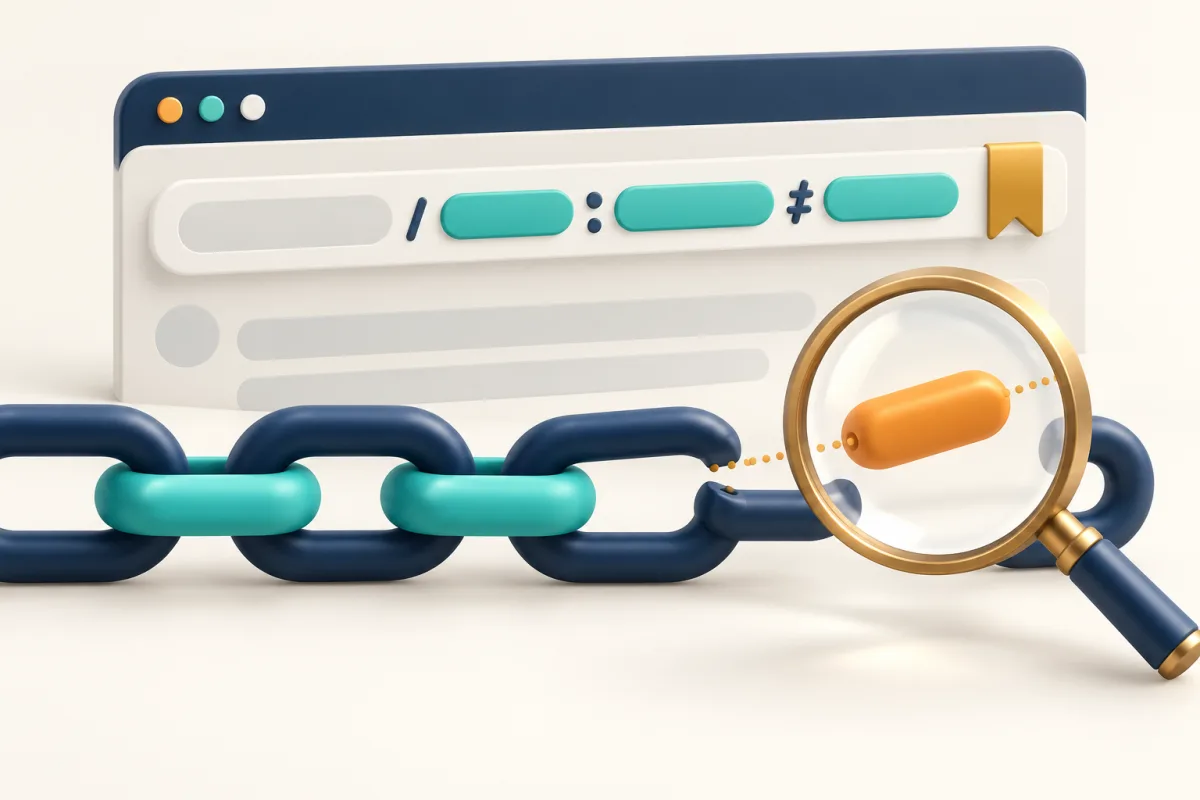
Learn to distinguish & and # in a URL, avoid double encoding and use WikiURL to check the exact link you intend to share.
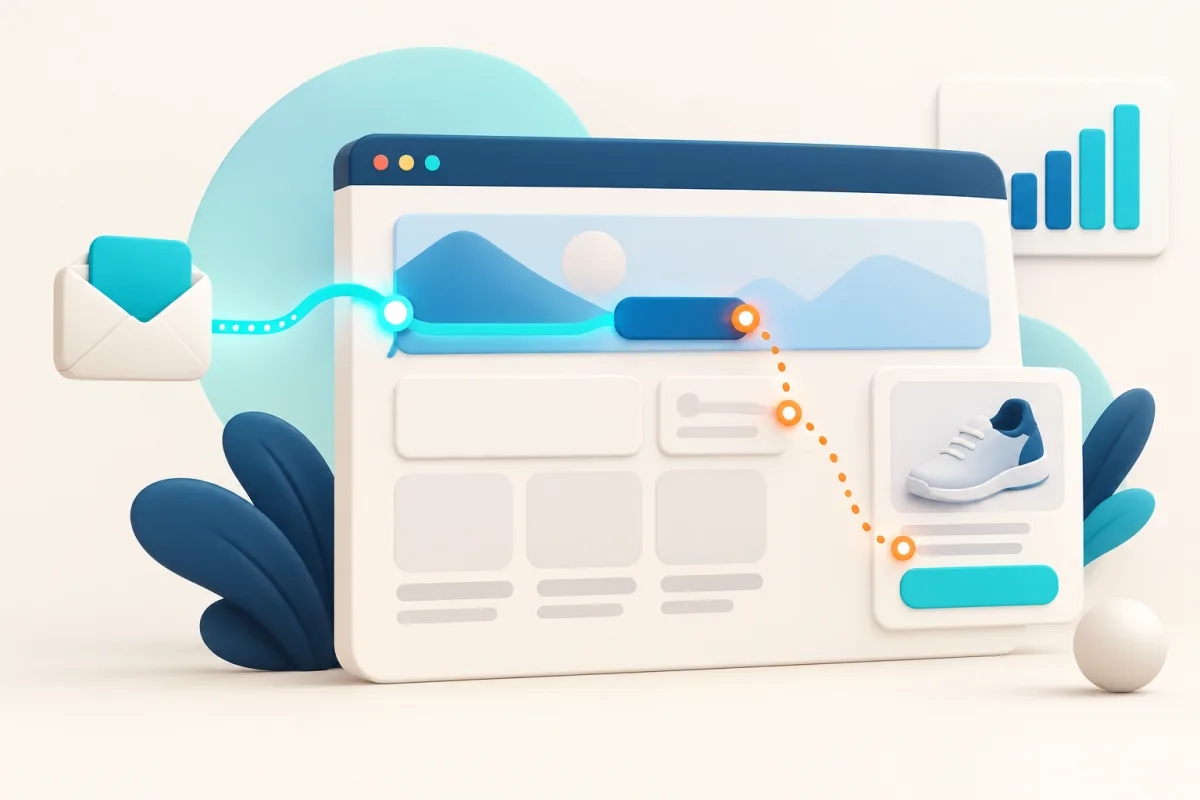
Separate external campaigns from clicks within your website: a WikiURL example, GA4 events and a practical review of internal links.
A practical WikiURL campaign example: choose labels, retain existing parameters and verify the generated destination.
Read the HTTP status and final destination with the WikiURL checker, while distinguishing availability from security.
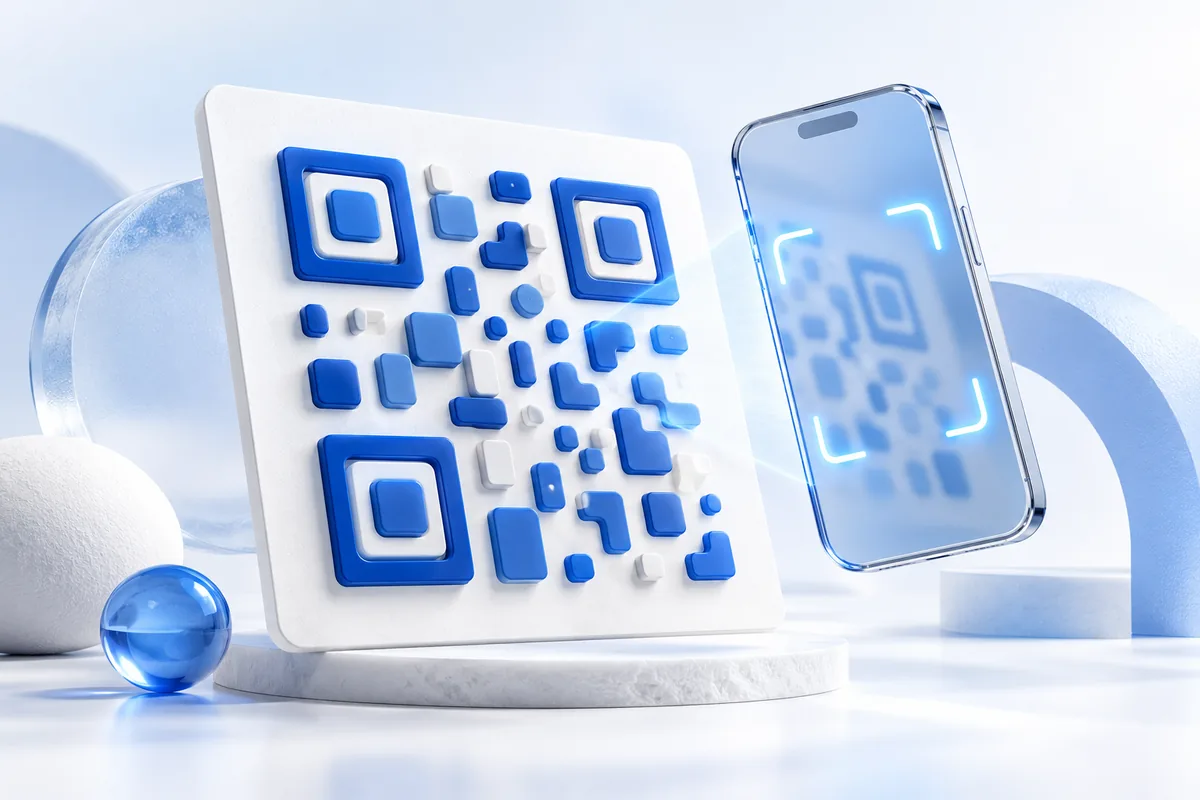
Generate a QR with WikiURL, choose PNG or SVG, preserve its clear margin, and test the final printed design and destination before distribution.
Create a WhatsApp contact link with WikiURL, check its international number and prepared message, and keep private information out of public URLs.
Recover access using the email you used to create your links, and keep private management addresses separate from public links.